Data Structure and Algorithm Design II
Development Environment
Xingang (Ian) Fang
Development Environment For C++
Xingang (Ian) Fang
Outline
Minimal requirements
Toolchain and environment
Command line environment (bash)
Local development environment
Linux Native
Windows WSL (Linux CLI)
Mac OS Native
Remote development environment (Optional in this course)
SSH Server (Linux CLI)
GitHub Codespaces (Web IDE with Linux Virtual Machine)
Traps and Pitfalls 🪤
MinGW / MSYS2 / Git Bash
Click-and-run single file project
TL; DR
Everyone
SSH server + VS Code in SSH remote mode 👍
GitHub Codespaces 👍
Windows users
Use WSL (Ubuntu preferred) + VS Code in WSL Mode 👍
🚫 NO MinGW/MSYS2/Git Bash!!!!
Mac OS users
Install XCode command line tools
Linux users
Install tool-chain package like
sudo apt install build-essential
Minimal requirements for C++ Development
An editor/IDE to edit the source code files
Visual Studio Code 👍
Other tools
A building environment to compile the source code files to applications or libraries
Access through command-line interface (CLI): usually bash
Core software: g++, make, git and valgrind
Other bash tools
Windows Users!
In the case that you do not want to follow the suggested workflow, you are on your own, but here are some suggestion to at least help you to avoid the most annoying conditions!
NEVER put your project in One Drive folder!
NEVER put your project under any directory that contains a space in its name!
AVOID MinGW/MSYS2/Git Bash!
Pay attention to line endings for any files you obtained from Windows apps.
NEVER download and unzip from GitHub. Use “git clone” instead. Guess what? Windows zip apps will mess up the line endings.
Tools and Environment
GNU make
A tool to automate the build process
A tool to manage dependencies between source files
Not worth the effort to master as there are better alternatives
Read more about make
git
a distributed version control system to manage pure text files including source code files
We use a small subset of its functionality as beginners
Backup versions of your work
Submit your work
Read more about git
Command-line Interface (CLI)
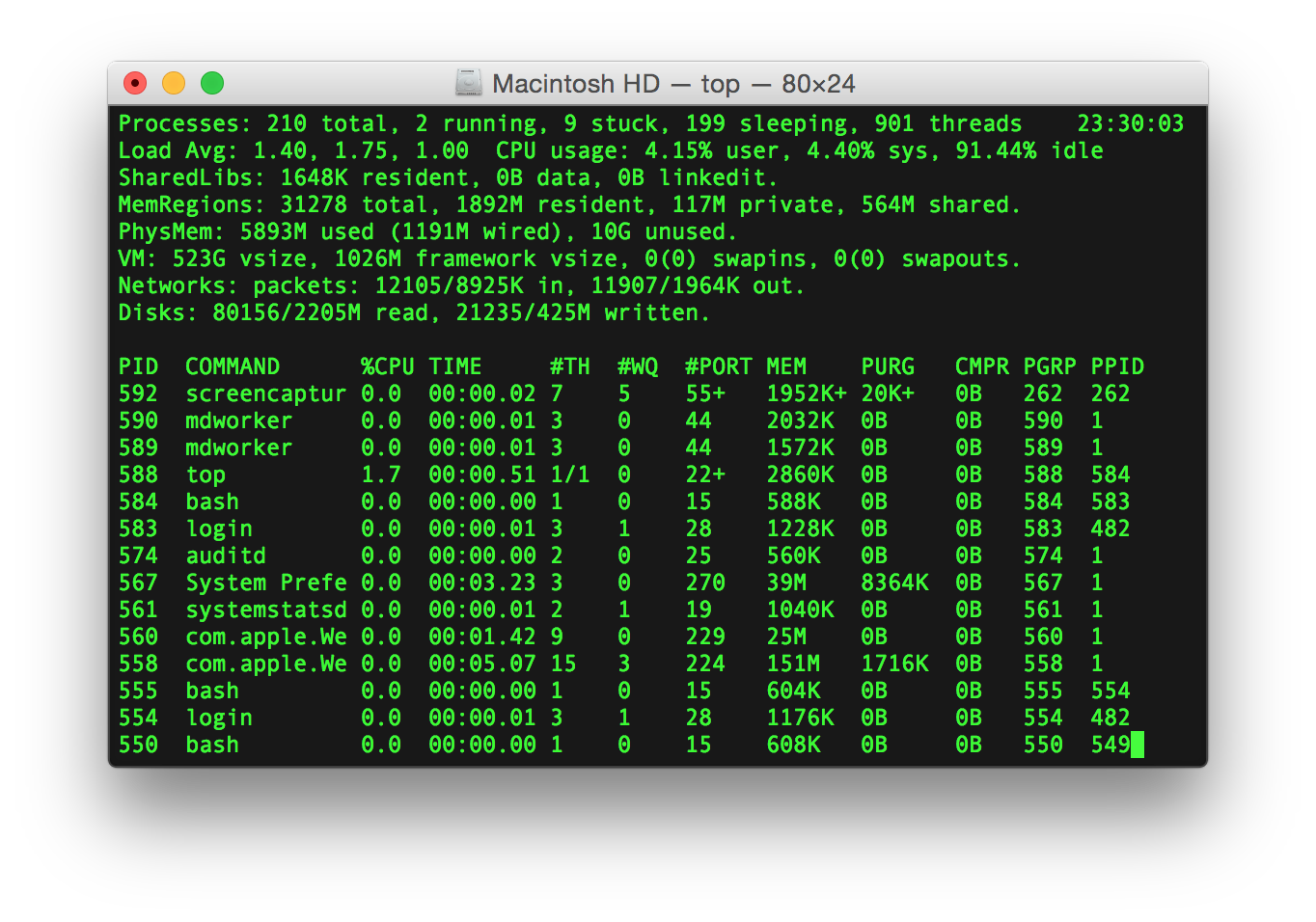
Command-line interface (CLI)
A text-based interface to interact with the computer
A shell program to interpret the commands
A terminal program to display the output
Counter part of GUI (Graphical User Interface)
bashCLI environment 👍Why CLI?
Flexible - adjust parameters on the fly
Easy-to-use - easily automated no matter how complicate it is
Portable - same commands on different platforms
Efficient - less resource consumption
Problems with GUI
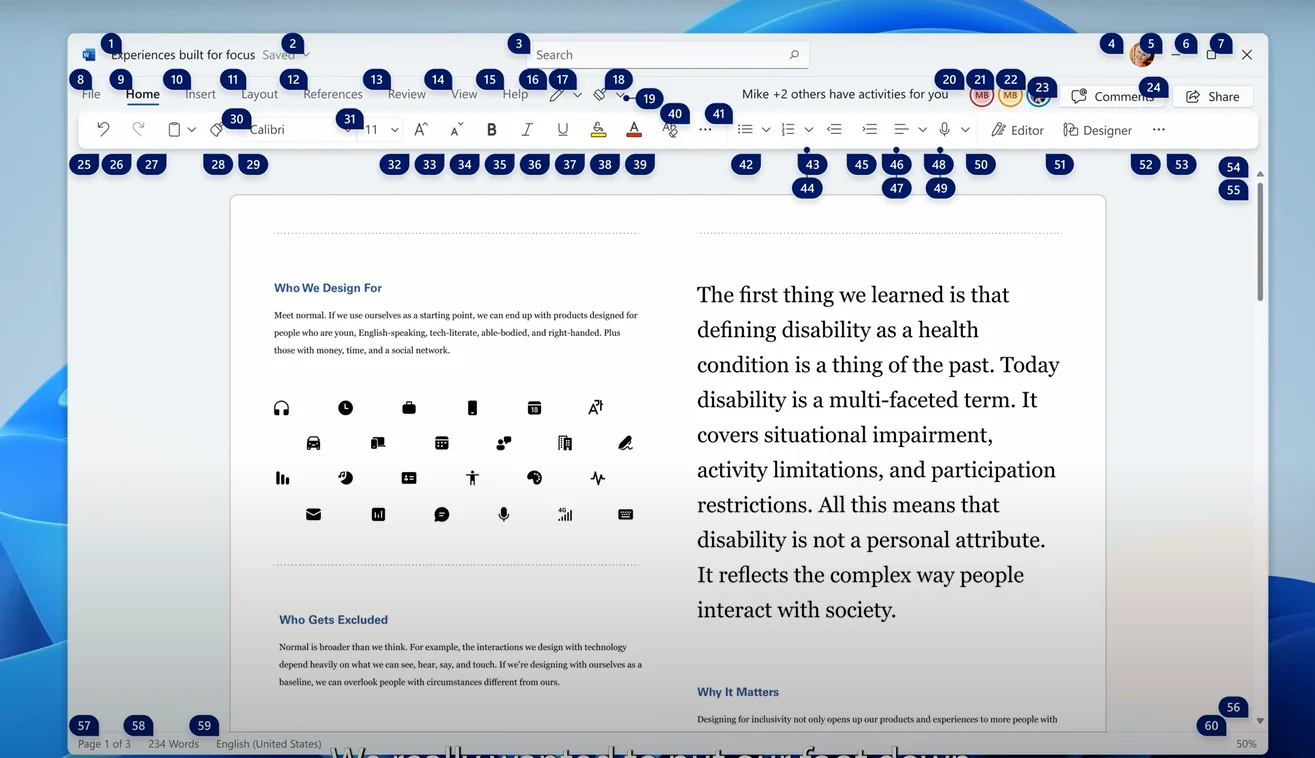
GUI is great but not suitable to our needs
Imagine how you learn a new feature of Microsoft Office?
Find the right tutorial of the right version
Find the right button or menu item from hundreds of them
Hard to automate
Hard to learn
Local Environment
A local development environment is recommended for this course.
Not the most convenient but worth your time to learn.
Come on! You are CS related major, right?
For Linux:
Install g++ and make from Ubuntu terminal
sudo apt updatesudo apt install build-essential git valgrind
Install Visual Studio Code
Do research on your own if you are using other Linux distributions
For Windows:
Install Ubuntu 20.04 LTS from Microsoft Store
Install Visual Studio Code from Microsoft Store
Install Terminal from Microsoft Store
Start an Ubuntu terminal
Install g++ and make in Ubuntu terminal (same as Linux)
Note: To install WSL in the classroom, you must use the Microsoft Store app
For Mac OS:
Install XCode Command-line Tools
run
xcode-select --installin the terminalvalgrindnot directly available on Mac OS
Remote Environment
Remote environment means to use a remote computer to perform the development. The whole toolchain is installed on the remote computer. It is useful when local environment is not available. For example, when you are using a Chromebook or a tablet.
SSH Server
From CS department
C++ Toolchain pre-installed
Handle files remotely
Best wth VS Code in SSH remote mode 👍
Read SSH instructions
GitHub Codespaces
An in-browser editor (VS Code) with a Linux virtual machine
Free hours for GitHub Classroom
Read the CodeSpace Overview
Traps and Pitfalls 🪤
MinGW / MSYS2 / Git Bash
A Windows port of g++ toolchain
g++ under MinGW is not compatible with g++ under Linux
Compatibility issues with
makeNot recommended for this course
Windows line ending
Whenever you use software developed for Windows only on your files
Click-and-run feature
Extremely tricky to configure for modular project with make
Command line is way better!
Examples
JGrasp
Run and Debug button in VS Code
OnlineGDB
Eclipse