Data Structure and Algorithm Design II
Course Introduction
Xingang (Ian) Fang
Introduction to HTML Slides
System:
Sphinx
Reveal.js
Navigation:
Left/Right Arrow
Up/Down Arrow
Space Bar
Esc Key
Print:
add “?print-pdf” to the URL after .html
choose number of slides per page


Introduction to the COP4534 course
Course Description
Instructor Info
Course contents
Communication
Course Description
Description:
A second course in Data Structures and Algorithms covers topics including the mathematical properties of algorithms (complexity, correctness), trees and graphs, hashing, relational (database) structures, Dynamic Programming, and numerical programming. The emphasis is on issues of correctness and efficiency. Students entering this course are expected to have a solid knowledge of programming.
Keywords:
Abstract Data Type (ADT); Data Structure; Algorithm; Algorithm Analysis; Recursion; Self-balancing trees; Master Theorem; Graph; Counting; Greedy algorithms; Genetic algorithms; Dynamic programming;
Course Objective
Develop solutions to problems by applying algorithms discussed in class.
Develop solutions that emphasize mathematical and scientific problems.
Write algorithms for solving problems prior to coding.
Analyze solutions in terms of time complexity.
Solve probability problems and counting problems with permutations and combinations.
Utilize greedy algorithms when applicable.
Construct graphs and implement representative algorithms.
Analyze and contrast graph based solutions.
Construct solutions that make use of Dynamic Programming techniques.
Instructor Info
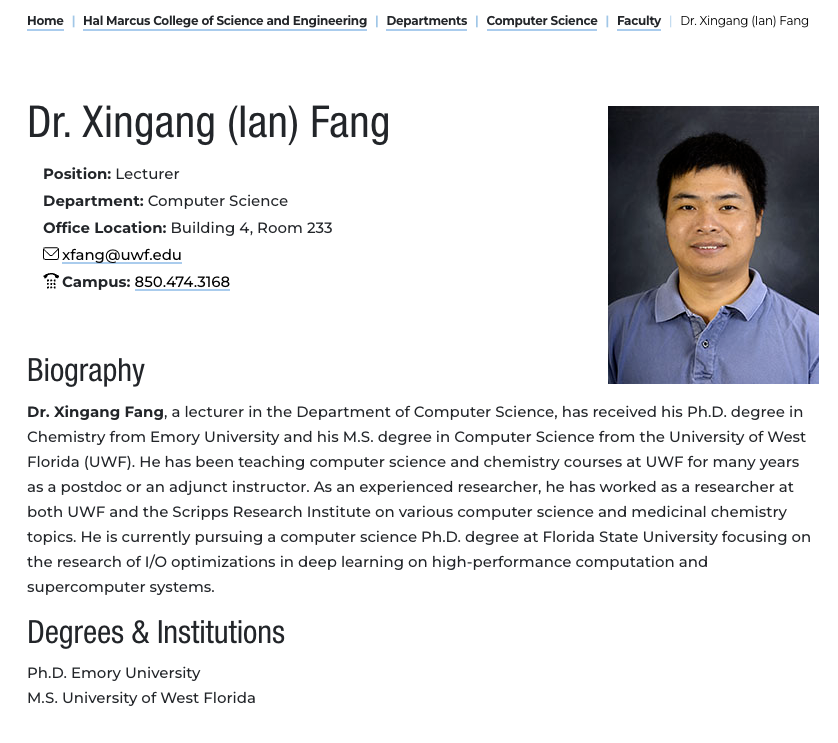
Xingang Fang
Lecturer, CS department, UWF
email: xfang@uwf.edu
Zoom link: https://uwf.zoom.us/my/xfang
Textbook Info
Required textbook in this course
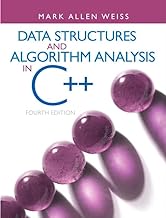
Data Structures and Algorithm Analysis in C++, 4th Edition. Mark Allen Weiss.
ISBN-13: 978-0132847377
Canvas Course Shell
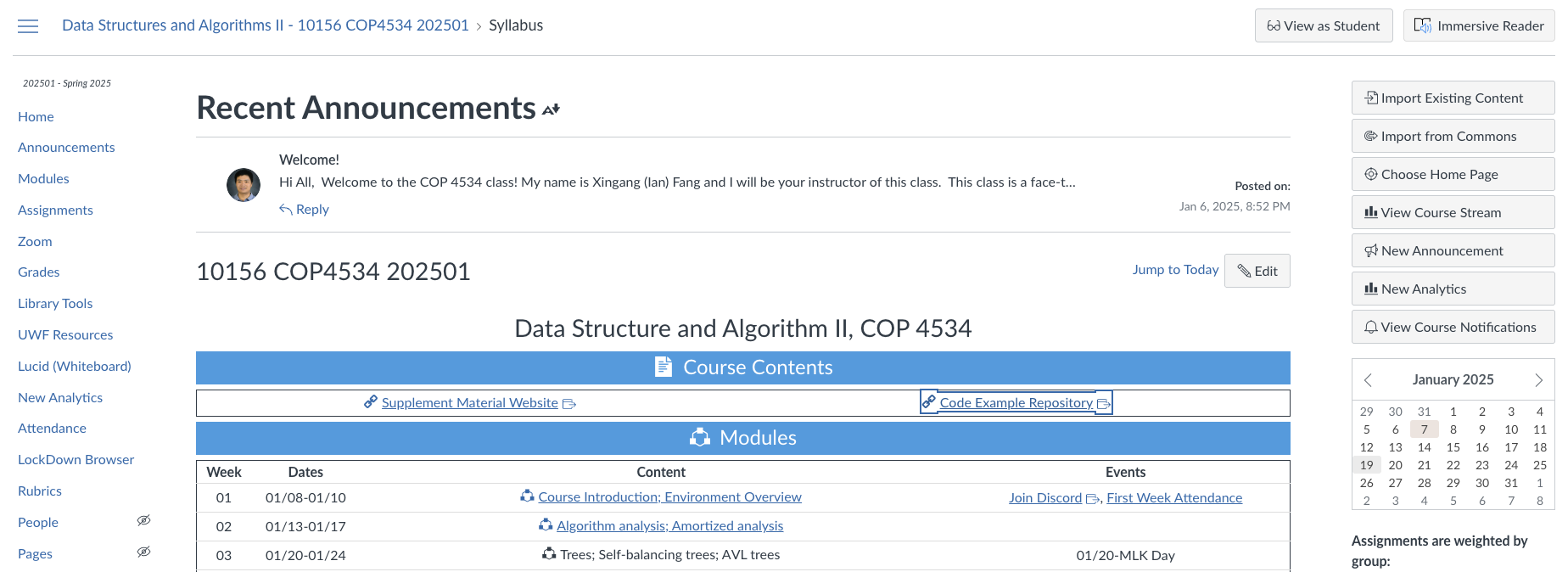
Learn Canvas LMS: Notification tool, calendar, mobile app
Front page gives a calendar view of the course schedule
Follow the links to modules, pages, and assignments
Zoom tab
Find perspective meetings
View recordings of past classes
Use Class Time as Your Primary Workspace
During the first weeks, actively follow the live walkthroughs for the course setup, Canvas layout, Git, Classroom 50, labs, and projects.
Take notes and ask questions as soon as a step is unclear. Reconstructing a missed technical workflow later is usually slower and more stressful.
Flexible attendance does not change your responsibility to learn workflows demonstrated in class. Later assignments build on these skills.
Before asking for help:
Read the lab or project instructions and locate the relevant Canvas module.
Review the class Zoom recording if you missed or need to repeat a demonstration.
Reproduce the problem and copy the exact command and error message.
Push your current code before requesting help with a programming problem.
Supplement Materials
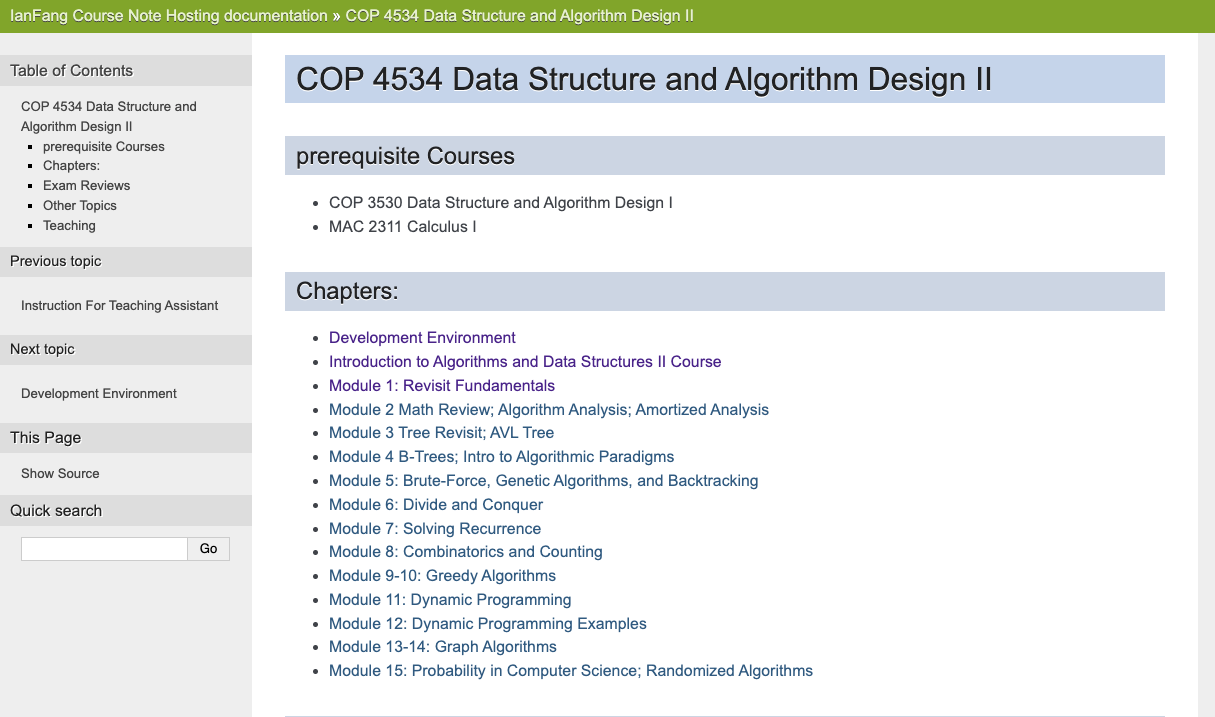
Provided by the instructor as a supplement to the textbook
Supplemental Material Website
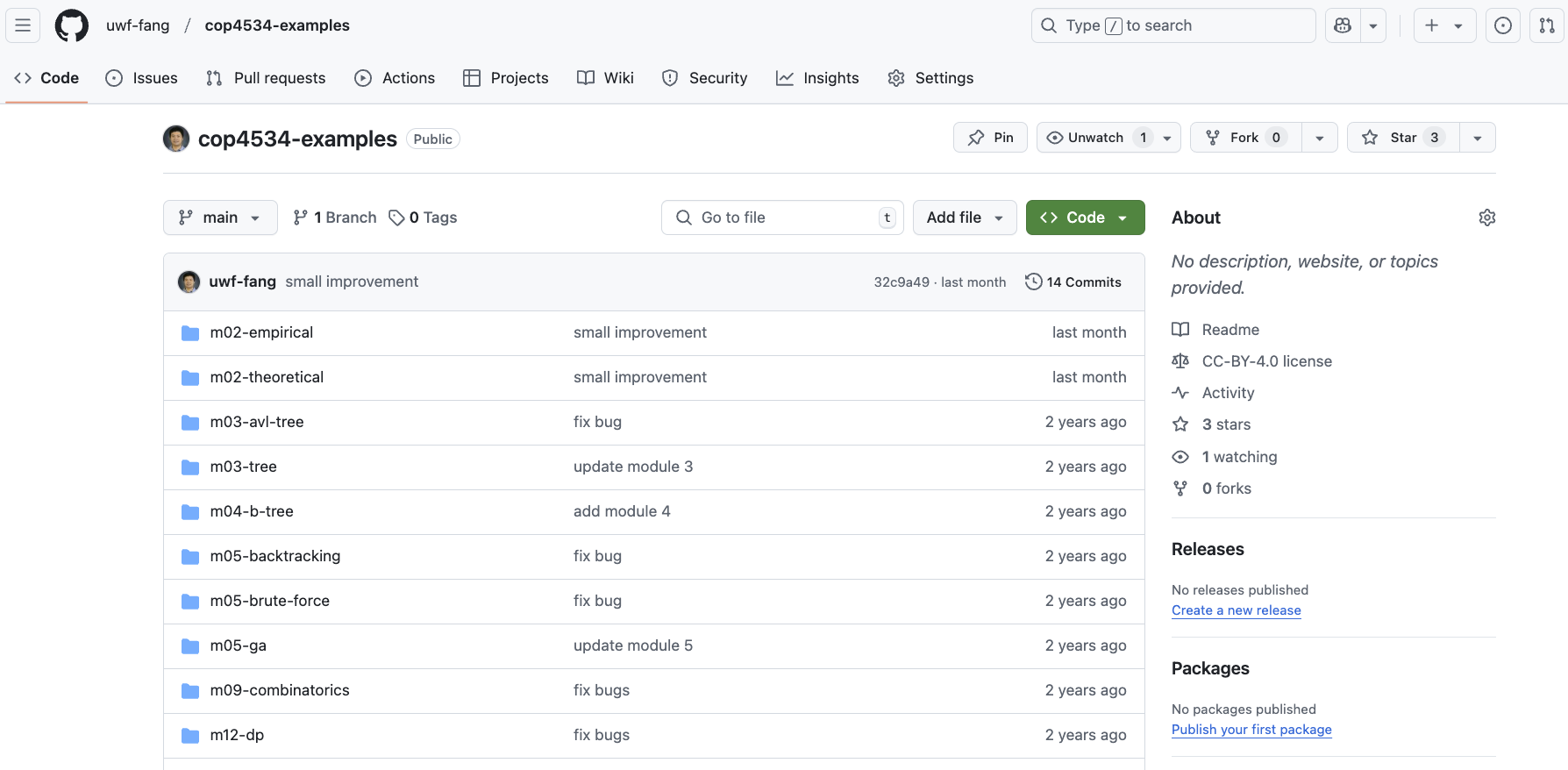
Code Example Repository
Communication
Keep updated 🔔
Group email
Canvas announcement
Discord @everyone message
Get help
Discord - sharable questions
Email; Discord DM - private questions, identify yourself first
Zoom (Office hour, appointment, etc.)
Always share your whole project by pushing to GitHub when asking help on code
Avoid 🚫
Canvas/Navigation messages
Provide error messages or screenshots without code
Exams
Two midterm exams
75 minutes
First class meeting time in week 6 and 11
Comprehensive final exam
150 minutes
during final exam week
University schedule
Assignments
Programming projects: 3-4 weeks to finish
Labs: 1 week to finish, no grace period
Late submission policy:
Two days of grace period. Not accepted after that.
Not for last project!
Late penalty: 10% < 1 day, 30% < 2 days
Exceptions: medical emergency, family emergency, etc. that will affect many days of your work. Please contact me as soon as possible.
🚫 Excuses caused by poor time management, unreasonable personal engagement, situations that only affect a few days, forget the deadline, will not be considered for fairness to other students who finish on time.
Plan ahead and start early!